Press kit · v3.0
Sleepr
in the headlines.
Everything you need to write about, link to, or feature Sleepr, the native macOS menu bar timer that puts your Mac to sleep when you do.
App
Sleepr, macOS menu bar sleep timer
Version
3.0 (build 16)
Platform
macOS Tahoe 26 or later
Price
US$ 4.99 / 2,99 € / £4.99 / ¥900 on the Mac App Store. One-time purchase. No subscription, no accounts, no in-app billing.
Developer
Mathieu Santostefano (welcoMattic), France
Release date
v3.0: TBD (Mac App Store review pending)
Languages
11: English, French, German, Spanish, Italian, Japanese, Korean, Portuguese (BR/PT), Chinese (Simplified/Traditional)
Categories
Productivity · Utilities
Mac App Store
Boilerplate
Three lengths, ready to copy-paste.
One-liner
Sleepr is a native macOS menu bar timer that puts your Mac to sleep when you do, to a podcast, a TV show, a movie, or your favorite album.
Short (~50 words)
Sleepr is a native macOS menu bar app that puts your Mac to sleep on a timer. Pick from one-tap presets, set an exact bedtime, or schedule recurring bedtimes that fire automatically. A floating alert lets you extend or cancel, even over fullscreen apps. Built for macOS Tahoe.
Long (~150 words)
Sleepr is a native macOS menu bar utility that schedules your Mac's sleep so you don't have to. Falling asleep to a podcast, a movie, or your favorite album? Tap a preset, or pick an exact bedtime, and Sleepr handles the rest.
Version 3.0 introduces a full Liquid Glass redesign for macOS Tahoe, recurring schedules ("every weeknight at 11 PM, 60-min timer"), a floating end-of-timer alert that even appears over fullscreen apps, four App Intents for Shortcuts and Siri, and a persistent timer that survives reboots. The menu bar shows live progress in three optional styles, and the entire app is localized in 11 languages. A paid one-time purchase on the Mac App Store. No accounts, no subscription, no tracking, no cloud.
What's new in v3
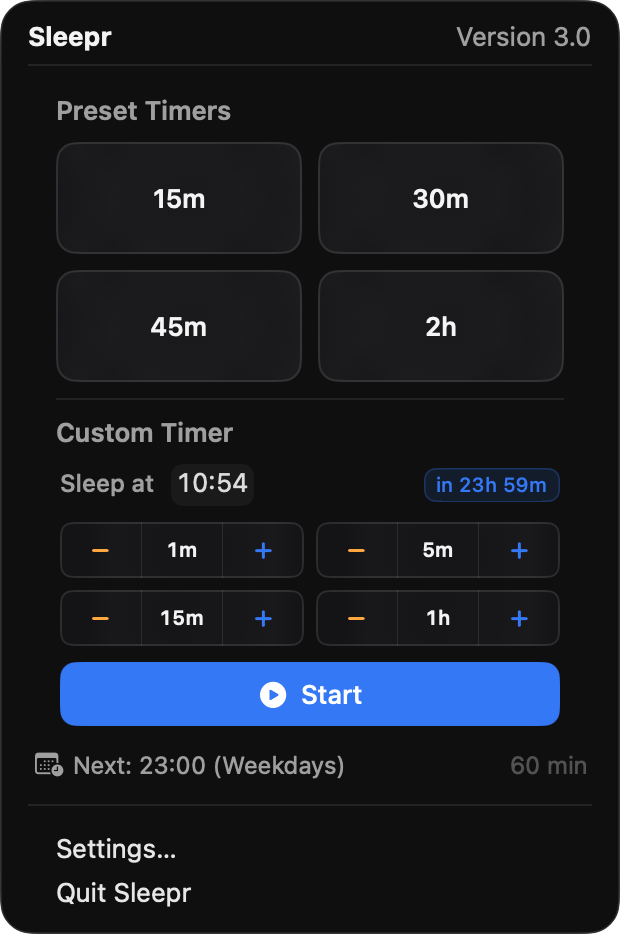
- Liquid Glass redesign:refreshed menu, Control Center–style panel, new app icons for macOS Tahoe.
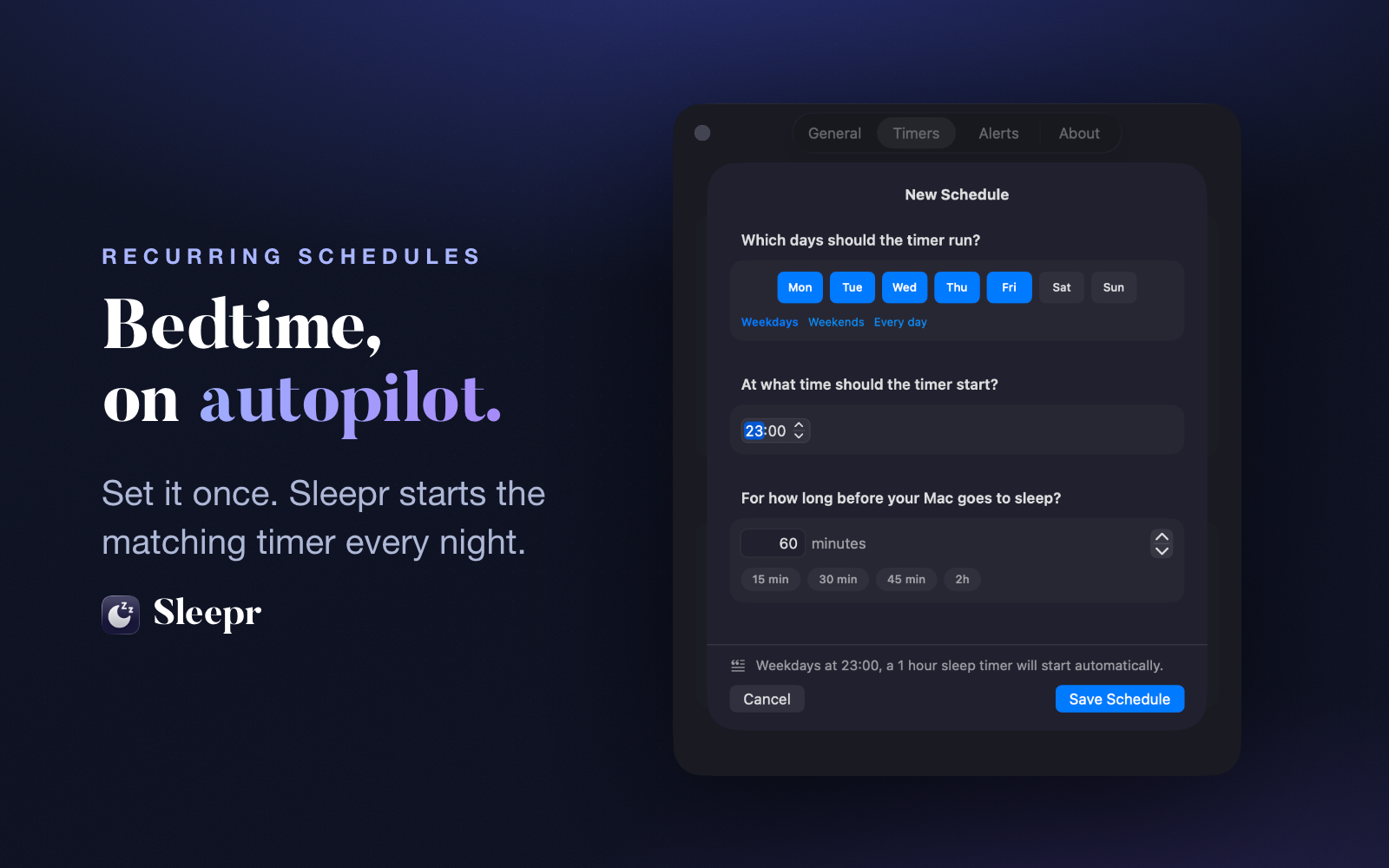
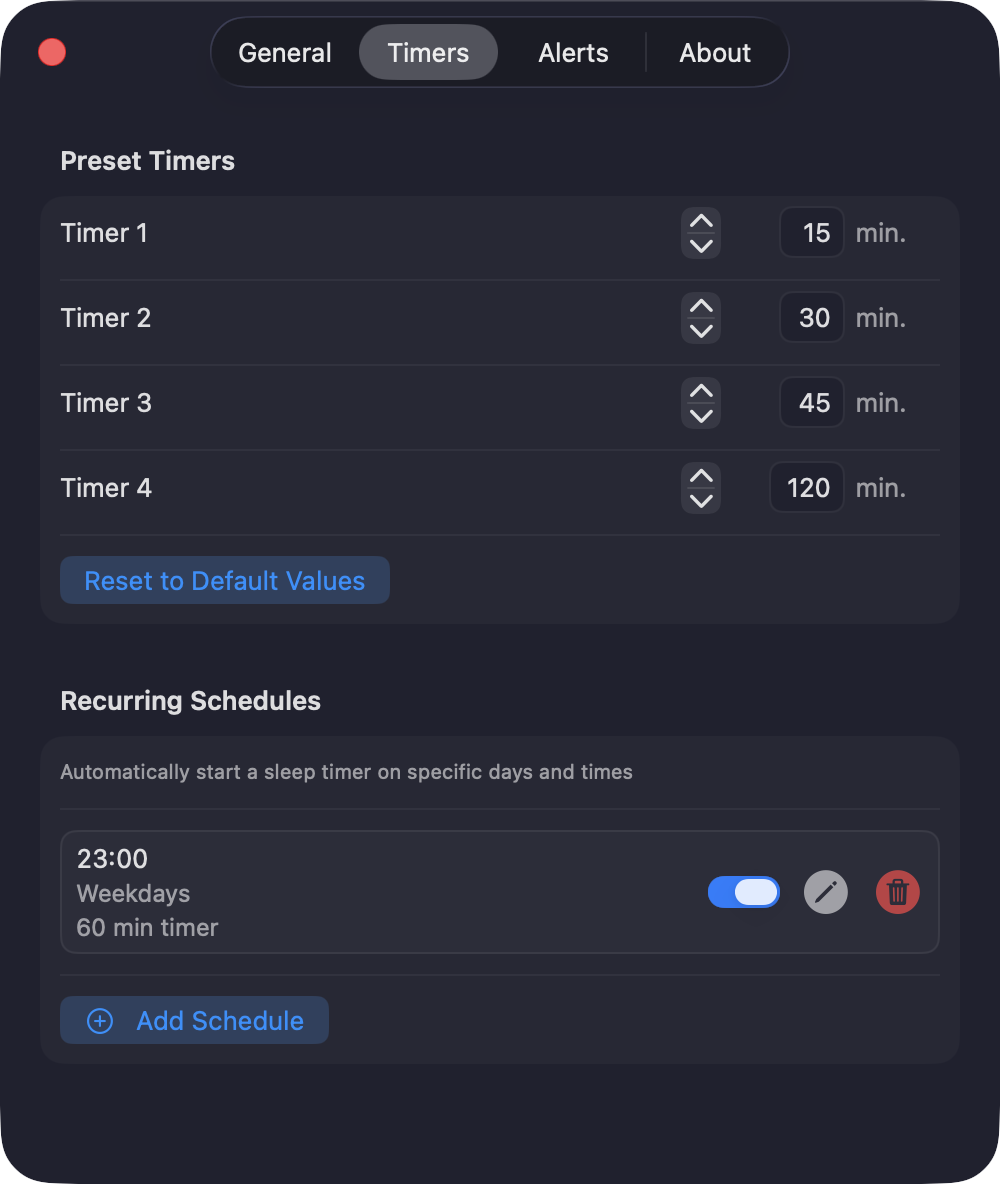
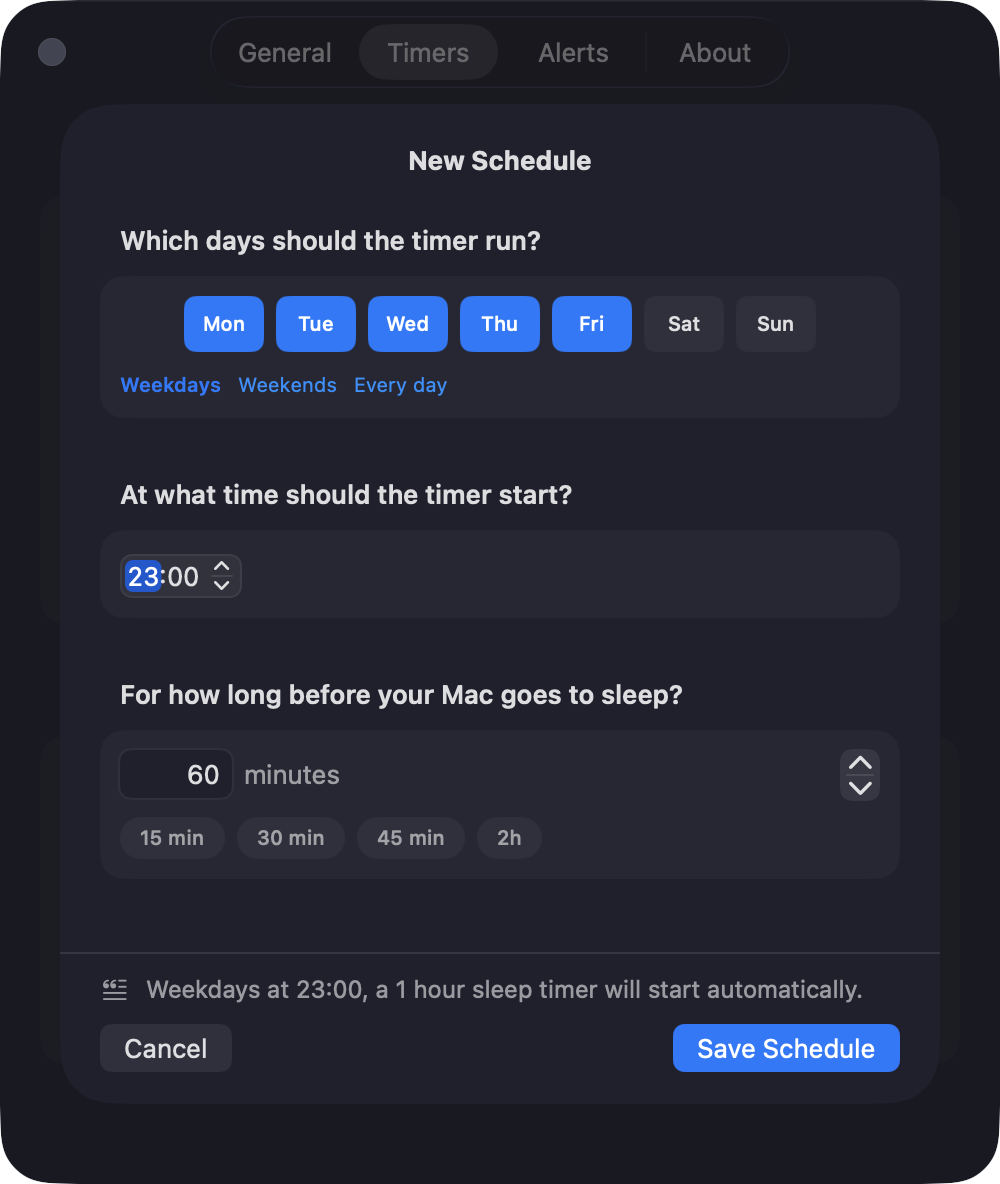
- Recurring schedules:define bedtimes like "every weeknight at 11 PM, 60-min timer". Sleepr starts the matching timer automatically.
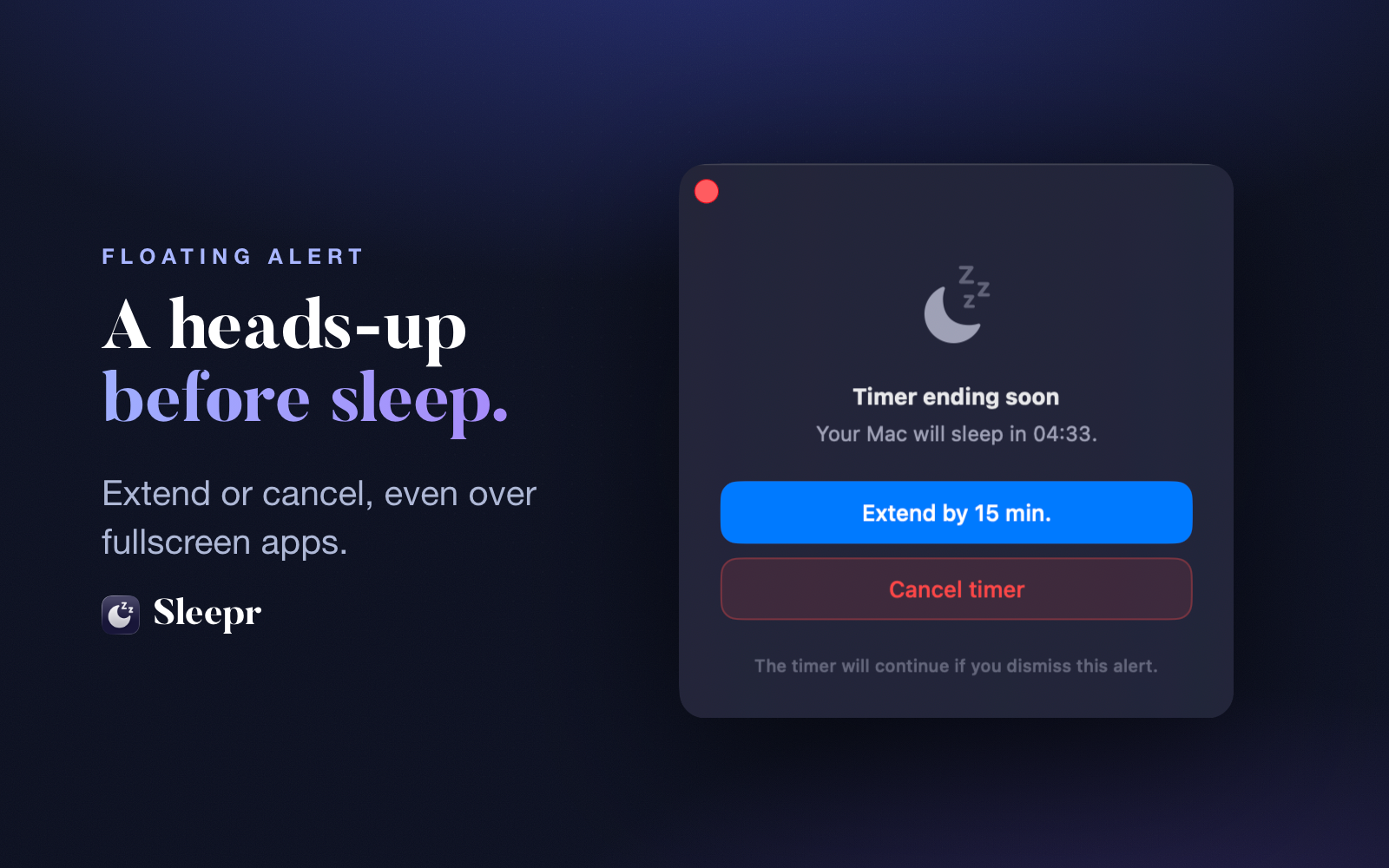
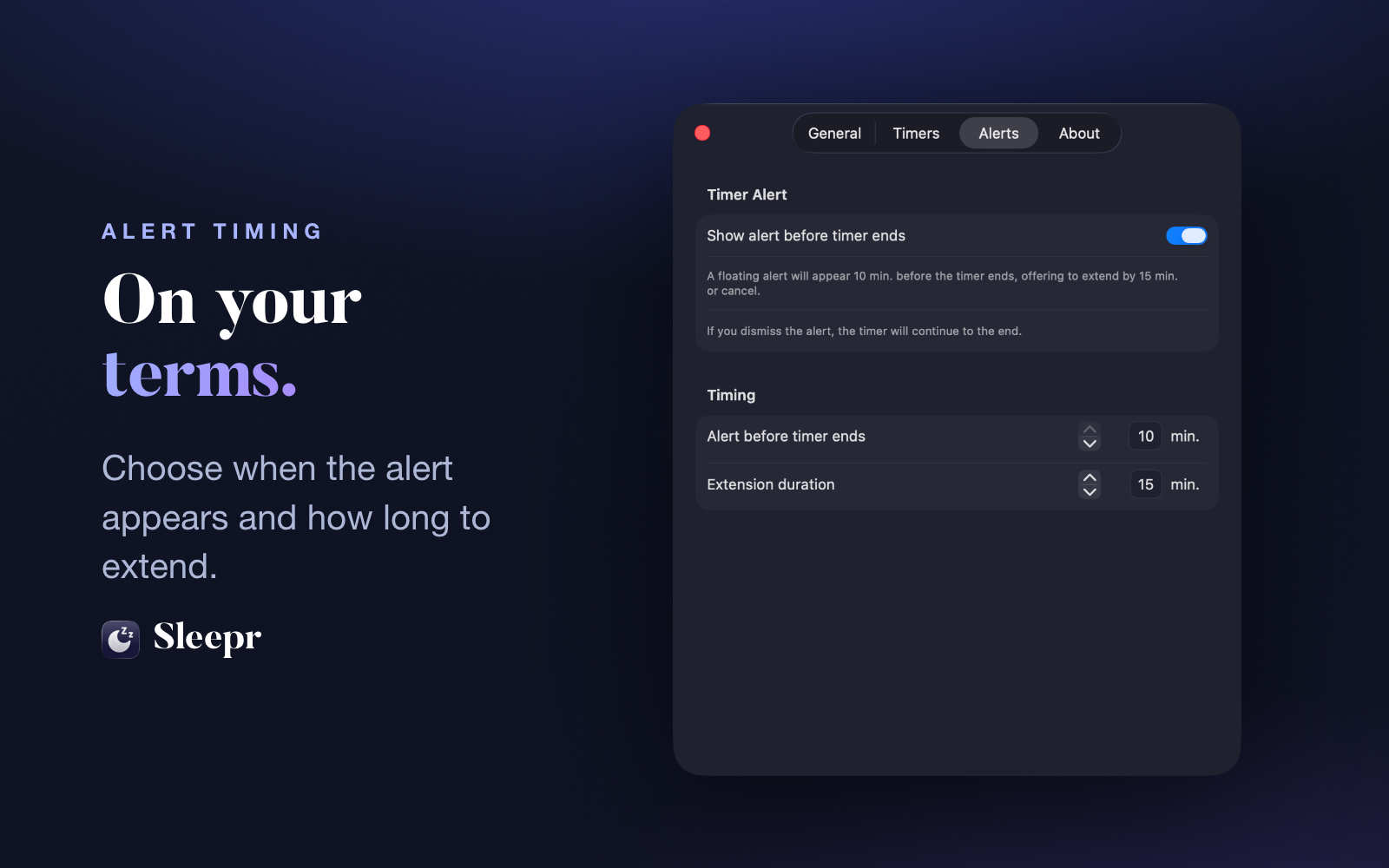
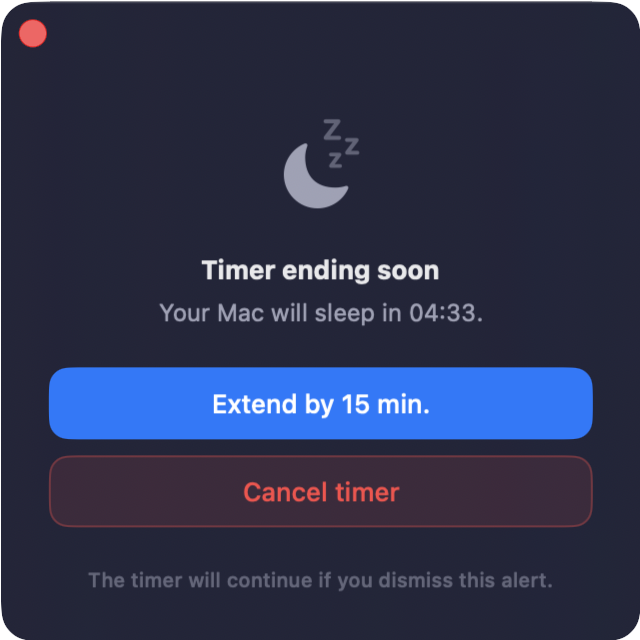
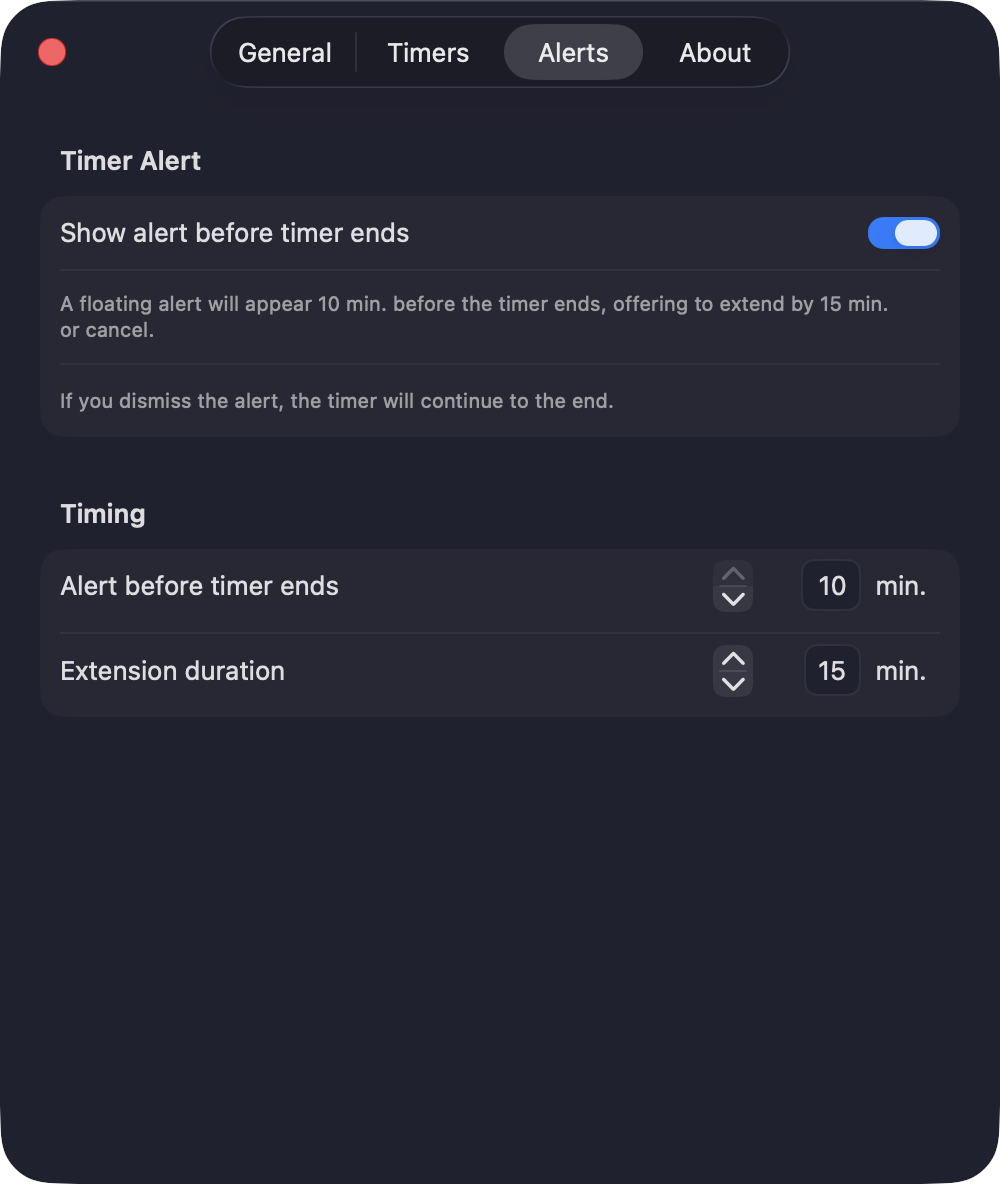
- Floating end-of-timer alert:HUD-style alert that floats above fullscreen apps a few minutes before sleep, with extend / cancel.
- Persistent timer:survives app quits and reboots.
- Shortcuts & Siri:four App Intents for automations (start, start-at-time, stop, status).
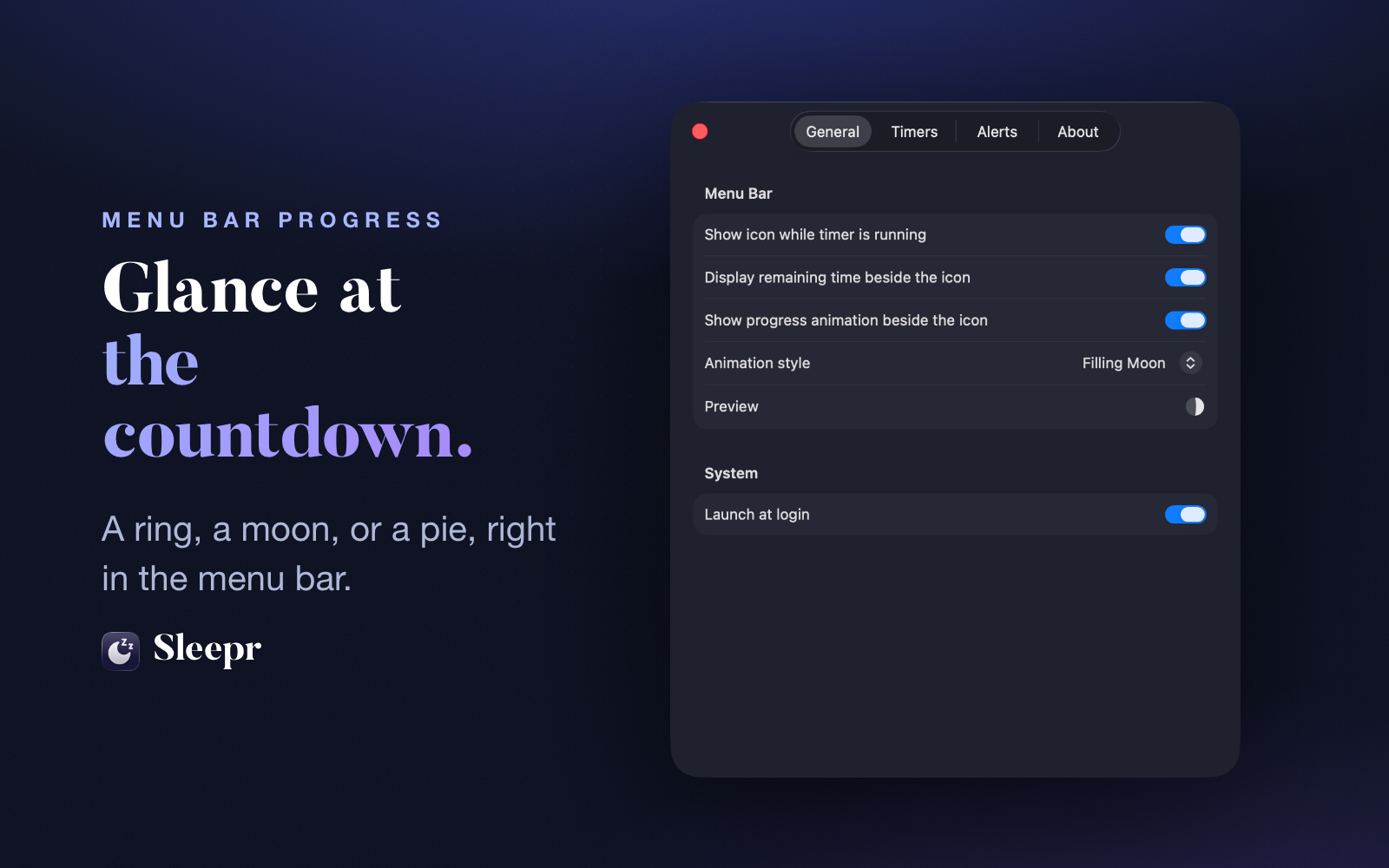
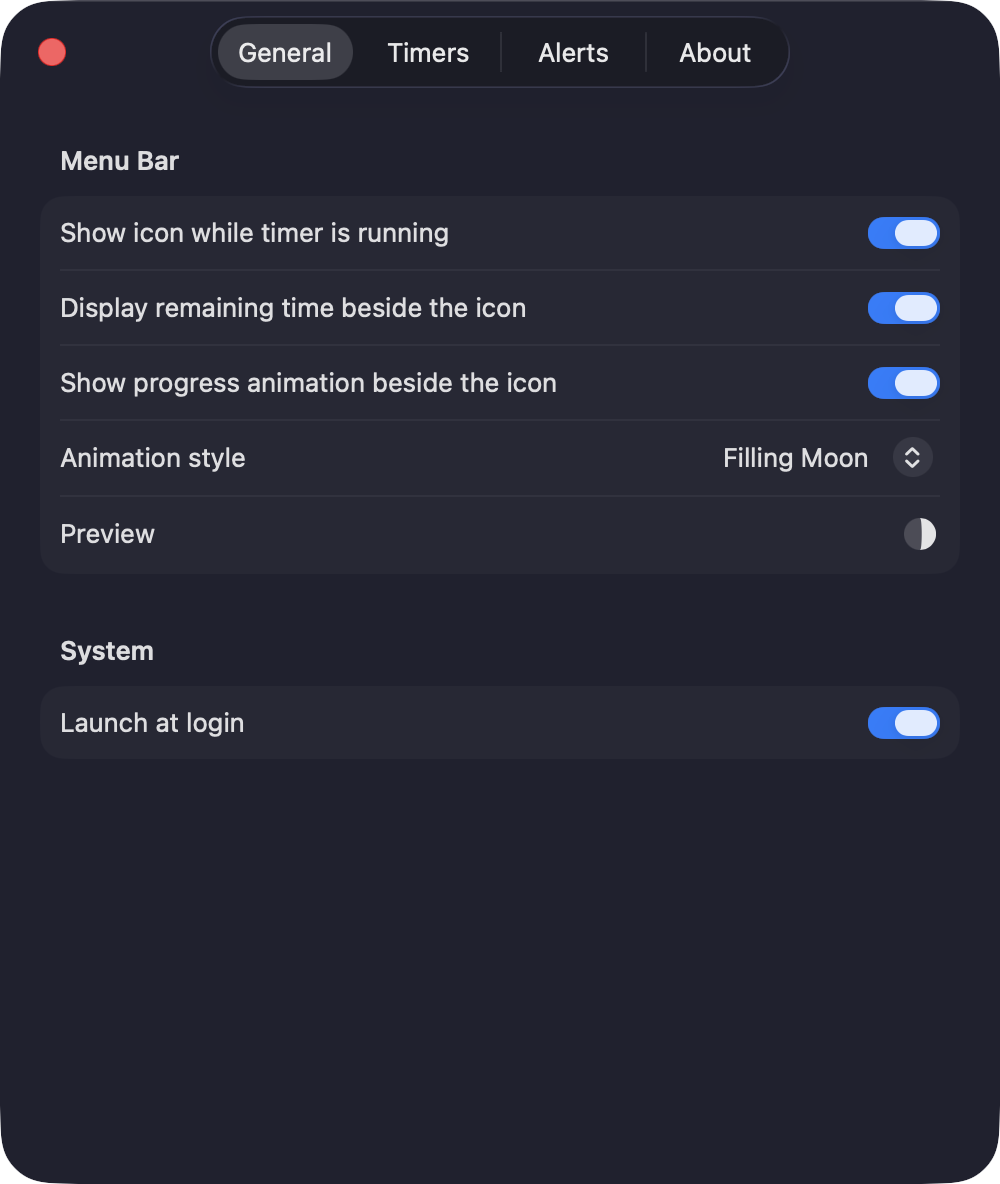
- Menu bar progress:three styles: depleting ring, filling moon, shrinking pie.
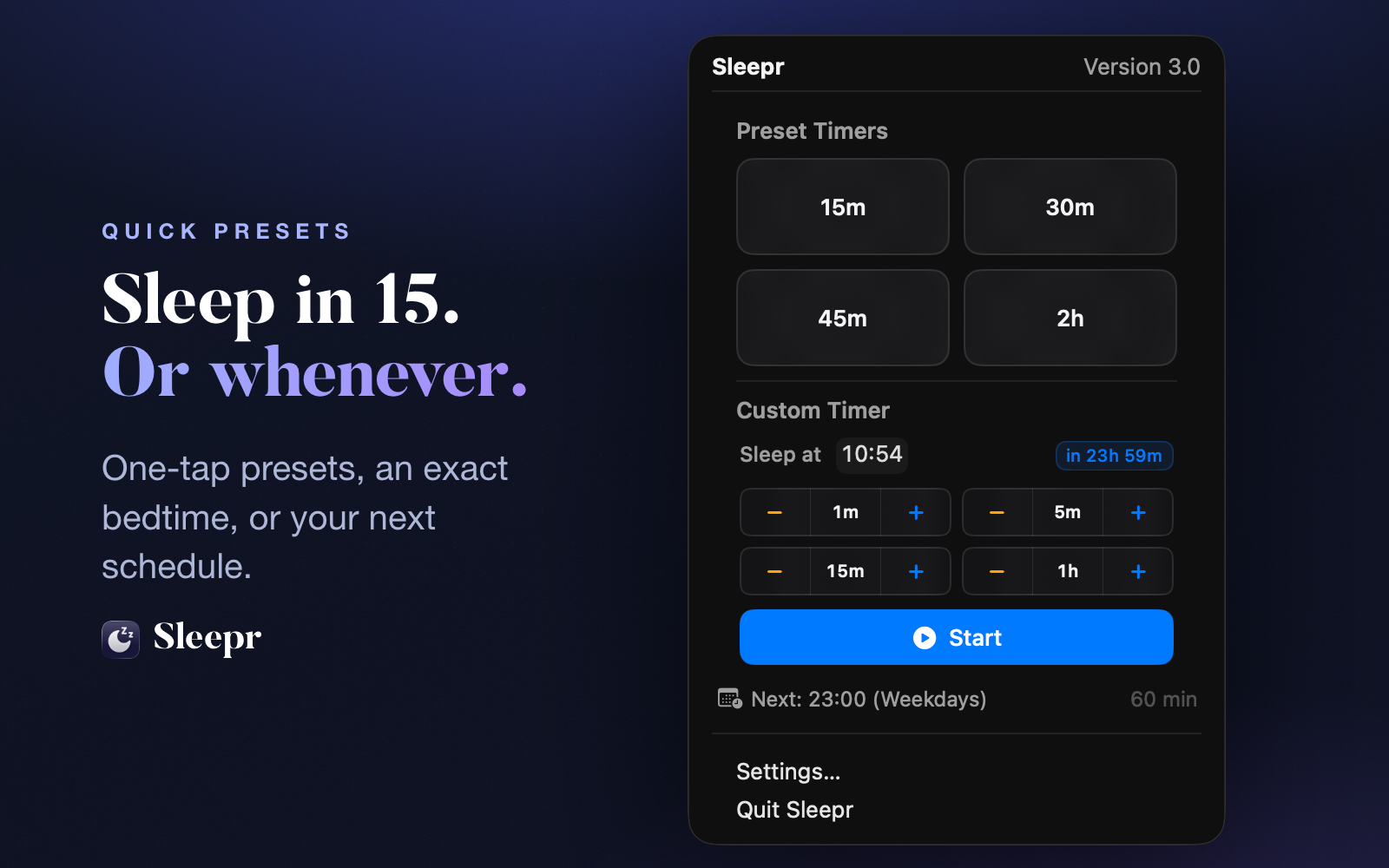
- Customizable presets:four one-tap durations, each editable from 1 to 480 minutes.
- Polished settings:chromeless window, four panes (General, Timers, Alerts, About).
- 11 languages:fully localized, including Asian variants and both Portuguese flavors.
- No subscription:one paid download, no accounts, no cloud.
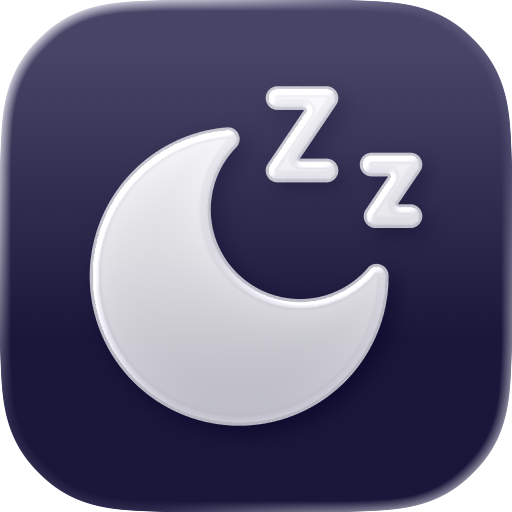
App icon
PNG with transparent background. Hi-res 1024×1024 for print.
Glyph
Vector glyph for monochrome reproductions.

Brand
Type
Display: Butler (extra bold, free version).
Body: system UI sans-serif (San Francisco on Apple).
Palette
slate-950 · moon-500 · moon-400 · moon-300 · moon-100
Screenshots
Marketing-framed (with copy and wallpaper) and raw (chromeless windows, transparent background). Both available in English and French.
About the developer
Mathieu Santostefano is an independent French developer. Open-source maintainer in the Symfony ecosystem by day, indie Mac developer by night. Sleepr started in October 2023 as a fix for a personal frustration: falling asleep to a podcast and leaving the Mac running all night. It has been refined over three major versions since.
Contact
Reviewing Sleepr, writing a feature, recording a podcast, or recording a screencast? Get in touch. I read every message and reply quickly.
Press & reviews
General & support
All assets © Mathieu Santostefano. You're free to use them when writing about Sleepr. Don't alter the icon's shape or the glyph, and please link back to sleepr.app.